
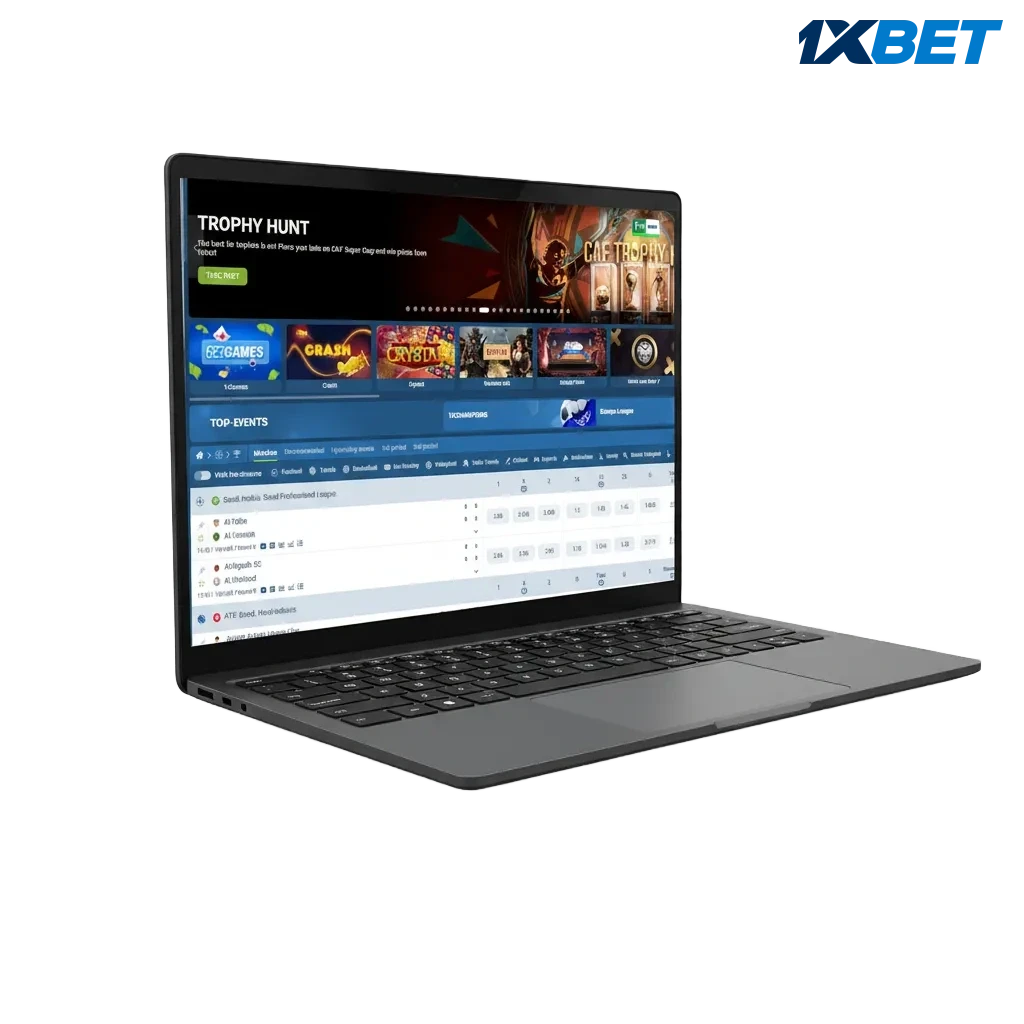
Click Download button
Press the Download button below to get the installer for your computer.
Get the 1xbet app for PC on Windows and macOS for smooth betting and gaming. Enjoy sports betting, live casino, roulette, slots, and table games in one fast client. The download is free, features match the website, and the desktop gives quicker loads, stable play, and full-screen control.
The desktop client delivers a focused experience, giving quicker navigation, fewer lags, and full-screen gameplay for betting and casino.
| Available Languages | English (Tanzania), Swahili, French, Hindi, Turkish |
| Category | Sports betting, Live Casino, Online Casino, Instant Games, Game Shows, Virtual Sports |
| Compatible with Windows | Windows 10, Windows 11 |
| Compatible with macOS | macOS 12 Monterey, macOS 13 Ventura, macOS 14 Sonoma |
Thinking about installing the desktop client? Here is a quick look at the benefits and the few trade-offs.
| Pros | Cons |
|---|---|
| Faster loading than most browsers | Needs installation and storage |
| Stable performance during live betting | Occasional updates required |
| Full-screen casino and live streams | Not ideal on shared or office computers |
| Multi-window layout for odds, betslip, and streams | |
| Keyboard shortcuts for quick actions | |
| Fewer third-party tabs and distractions | |
| Quick login and PIN options |
The Windows desktop app is light on resources and compatible with modern systems. Recommended: Windows 10 or 11, 4 GB RAM, 200 MB free space, and a stable internet connection.
Press the Download button below to get the installer for your computer.
Choose a folder on your PC and save the setup file.
Double-click the file, then confirm any security prompt.
Choose the destination folder and complete the setup process.
Open the desktop icon and sign in, or create a new account.
Pick language, odds format, and enable auto-updates.
The Mac client runs on most recent Apple computers and works smoothly on Intel and Apple silicon. Ensure you have macOS 12 or later and a steady internet connection.
Use the button below to get the Mac installer.
Find the .dmg file in Downloads and open it.
Move the app icon to the Applications folder.
If macOS blocks the app, go to System Settings > Privacy & Security and allow it to run.
Open from Applications, log in, or register a new account.
Choose language, odds format, and notifications.
Updates improve security, speed, and live streaming quality. Stay current to enjoy the latest features and fixes.
Launch the app on your desktop.
Go to Settings or Menu and select Check for updates.
Confirm the update and let the process complete.
Reopen the client to apply changes.
Create your account in the PC application to access full betting markets, live casino, and quick deposits in TZS.
Launch the desktop client.
Choose one-click, phone, email, or social sign-up.
Fill in country, currency (TZS), contact, and a strong password.
Verify via SMS or email, then log in and set your limits.
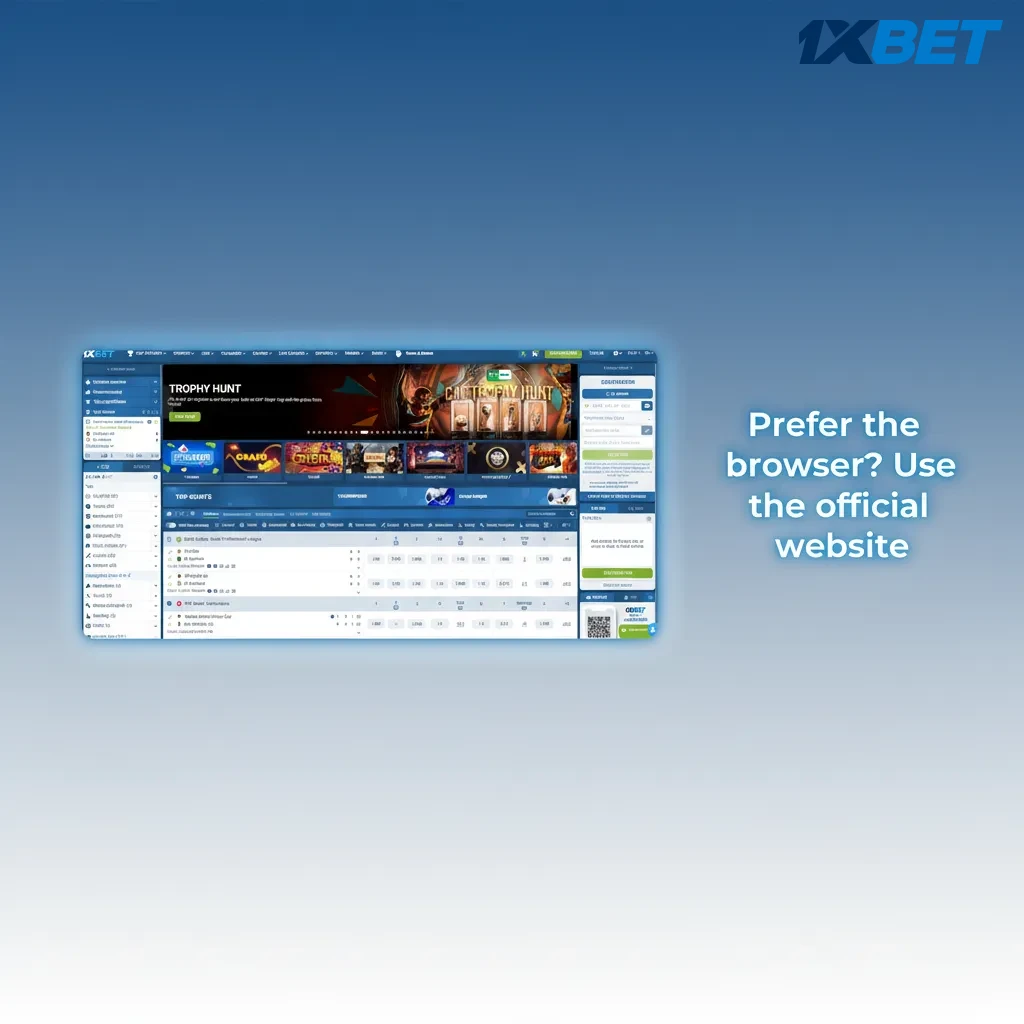
Installing the PC client is optional. You can access the full platform on the official website on your computer. Place bets, join live casino tables, and manage your account in the browser. If you do not want a download for pc, the website offers the same core features.
Get help any time. Dedicated support assists on installation, login, payments, and gameplay.
Yes, the desktop installer is free.
No, betting odds and casino RTPs match the official platform.
Yes, one account works across PC, mobile apps, and the website.
Open Settings > Language in the app and select Swahili.
Yes, go to Account > Responsible Gaming to set limits and time-outs.
Updated: